
Introducing Princh, our new mobile printing solution!
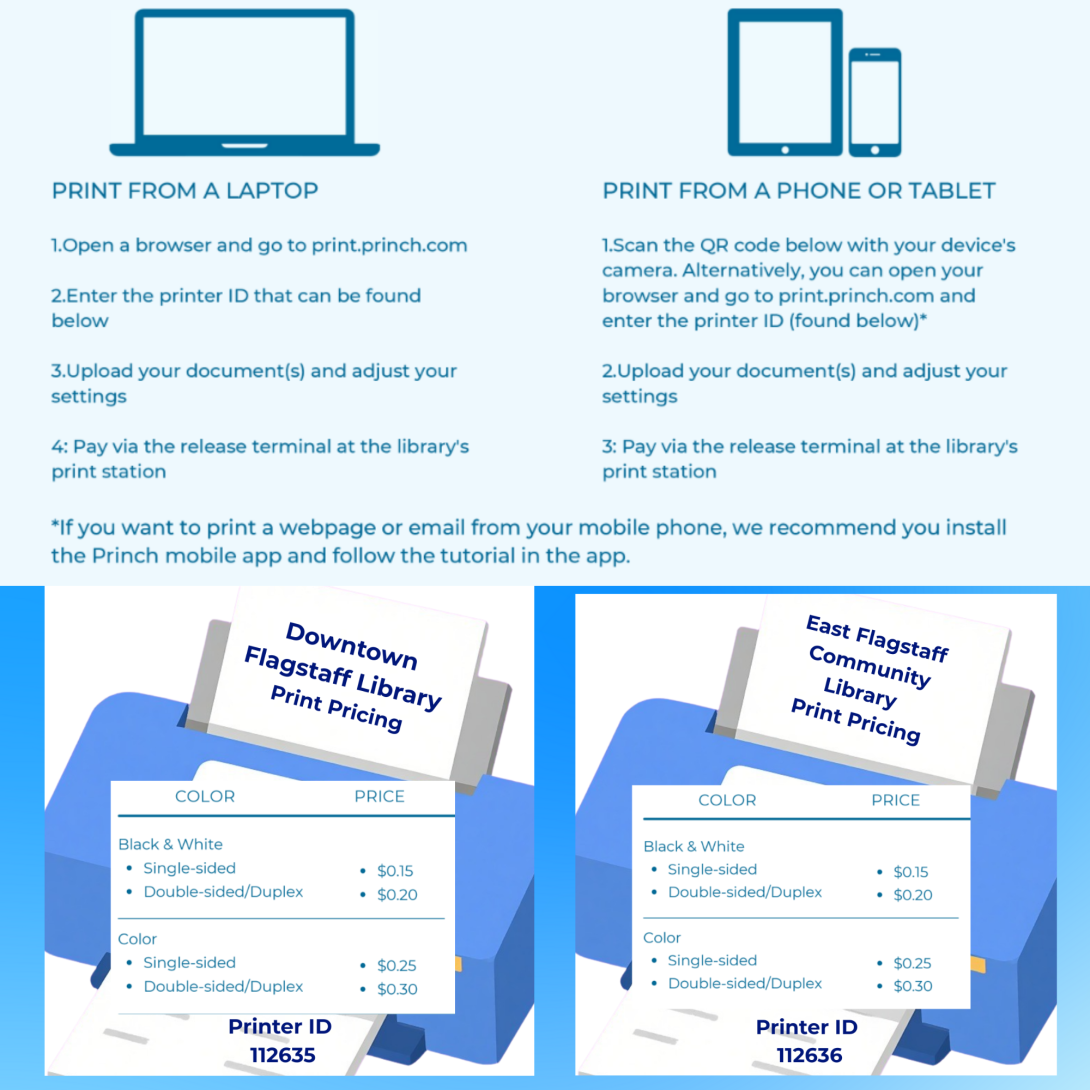
We have implemented Princh, a new printing solution, at our Libraries. It is now possible to easily and securely print from a mobile phone, tablet, or laptop, both at the Library AND remotely.
Printing from your mobile phone or a tablet
When printing at the library: locate the print guide poster near the printer and scan the QR code.
When printing remotely: open your browser, go to print.princh.com and enter the 6-digit printer ID to select the printer (find IDs below).
Upload your document(s).
Adjust the settings.
Enter your email address.
Proceed to the Print Release Terminal to pay for and finalize your print job.
Printing from your laptop
When printing remotely or at the library: open your browser, go to print.princh.com and enter the 6-digit printer ID to select the printer (find IDs below).
Upload your document(s).
Adjust the settings.
Enter your email address.
Proceed to the Print Release Terminal to pay for and finalize your print job.
If you require further assistance, we have instructions available at our Libraries, and you can always ask staff for help.
Princh printer locations:
Downtown Library (Printer ID: 112635)
300 W Aspen Ave., Flagstaff, AZ, 86001
Mon – Thu: 09:00am - 08:00pm
Fri: 09:00am - 06:00pm
Sat: 09:00am - 05:00pm
Sun: 09:00am - 01:00pm
Library supplies paper only; color or black-and-white; single-side or duplex
East Flagstaff Community Library (Printer ID: 112636)
3000 N Fourth St. Suite 5, Flagstaff, AZ, 86004
Mon – Thu: 09:00am - 08:00pm
Fri: 09:00am - 06:00pm
Sat: 09:00am - 01:00pm
Sun: 09:00am - 05:00pm
Library supplies paper only; color or black-and-white; single-side or duplex
Printing prices:
The following prices apply to both locations
Black & White Single-sided – $0.15 per page
Black & White Duplex – $0.20 per page
Color Single-sided – $0.25 per page
Color Duplex Double-sided- $0.30 per page